Mobile App UX Case Study

FlyDrop - Remote Shopping by Drones

The problem: 

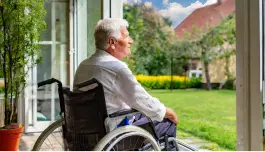
Individuals with disabilities and those in areas lacking nearby shops face challenges in accessing essential items independently. Additionally, people increasingly lack time for traditional shopping.

The goal:

Design a specialized drone delivery app to empower individuals with disabilities, residents in underserved areas, and busy individuals. The app aims to provide fast and easy way to remote shopping, optimizing time and enhancing accessibility for users with diverse needs.

About

type

mobile app

category

on-demand shopping

project duration

09/2023 – 12/2023

my role

This is an individual project that allowed me to plan and direct each step of the design thinking process.

Research

To understand user frustration, needs, and requirements, I conducted user research through interviews. I have also conducted secondary research using statistical data and articles.

Statictics about drone delivery

Consumer Acceptance:

Roughly 79% of buyers over the internet would agree to get delivery by a drone.”

Consumer Acceptance:

Drone delivery is 90% of cheaper than car service delivery.

Time Optimizing:

Drones can fly up to 80 km/h while delivering goods.

Social Good:

Drone units can be employed in remote or inaccessible regions to successfully deliver vaccines, pharmaceuticals, and other medicines.

Interviews

The interview was conducted with 5 people with different backgrounds, potentially interested in drone delivery.

“A good guide on how to use drone delivery is crucial.”
-Young massage therapist
“Standard shipping can sometimes take longer than expected, which delays my plans or business operations.”
-Busy programmist
“If I encounter any issues or have questions about the drone delivery service, I would like to know that there is accessible customer support available to assist me.”
-Retired woman

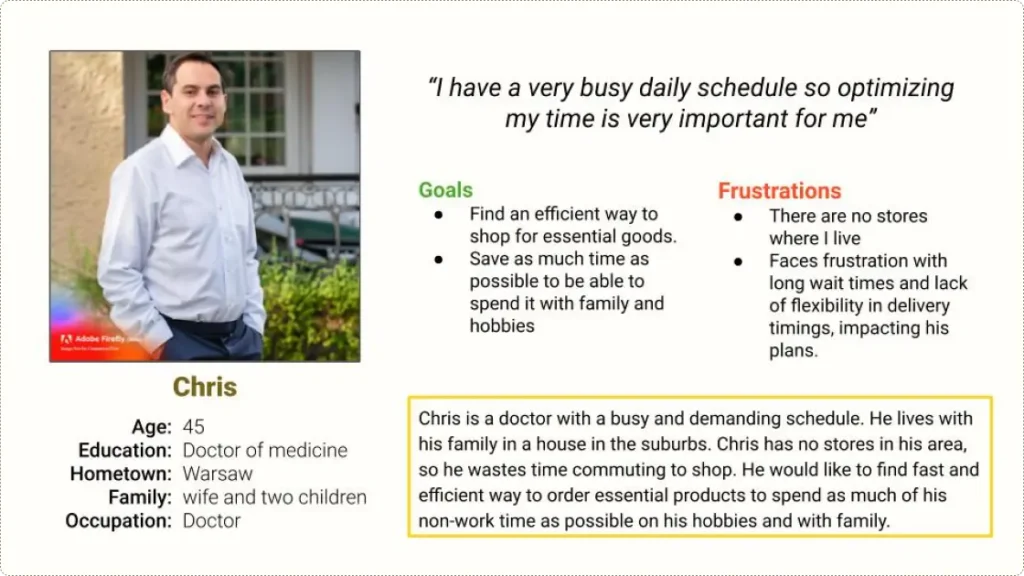
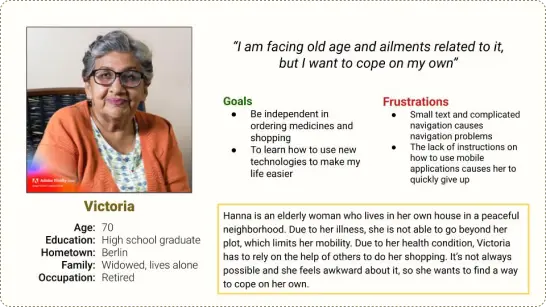
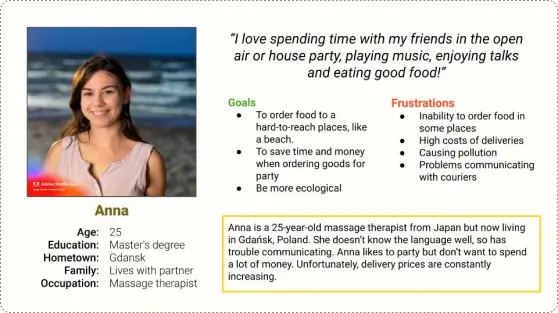
Personas

Key Painpoints

Based on research, I found out the most important problems user experience using on-demand delivery apps.

Limited Mobility for Individuals with Disabilities

Lorem ipsum dolor sit amet, consectetur adipiscing elit. Ut elit tellus, luctus nec ullamcorper mattis, pulvinar dapibus leo.

Time Constraints for Busy People

Busy professionals encounter difficulties in allocating time for traditional shopping methods, needing a more time-efficient solution for their daily needs.

Delivery to some locations is not possible
Residents in hard-to-reach locations lack convenient access to essential products and services, making it challenging to meet their daily needs efficiently.
Communication Barriers with Traditional Services

Users experience challenges in effective communication with coursiers who do not speak the national language, leading to misunderstandings

Ideation

To solve main pain points I came up with features that will make the app more useful and usable.
Accesibility
Convenience & Efficiency
Cost & affordability
Support & Assistance

Story boards

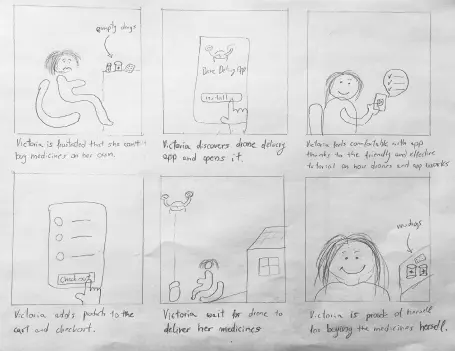
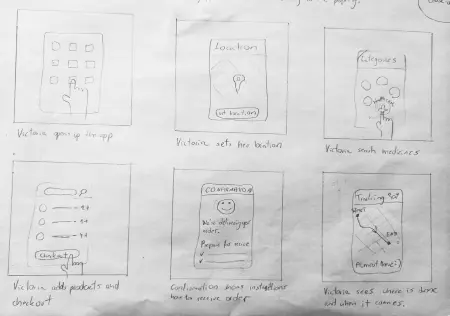
I’ve created storyboards to visualise how the app can be used.
big picture
close up

User flow

Take a closer look at the user flow within drone delivery app using this scenario: a seamless order for medicines delivered right to your doorstep. This user flow is just a snapshot of the app’s diverse capabilities.

Building the first prototype

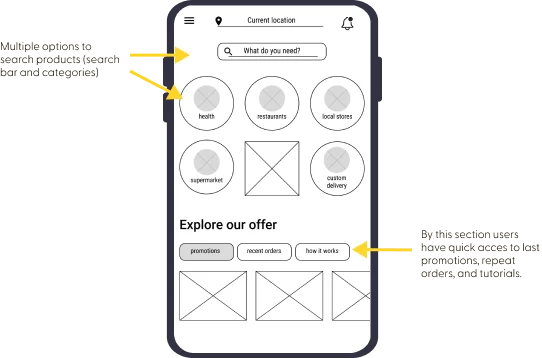
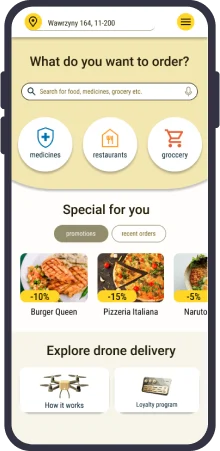
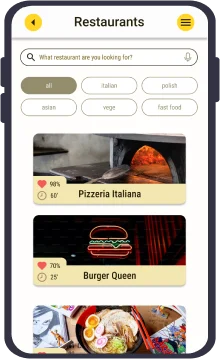
Simple home screen for easy and quick ordering

Busy users wants an easy way to quickly order what they need. A simple start screen with the most important information and quick access to previous orders makes it easier for them and also tech beginners benefit.

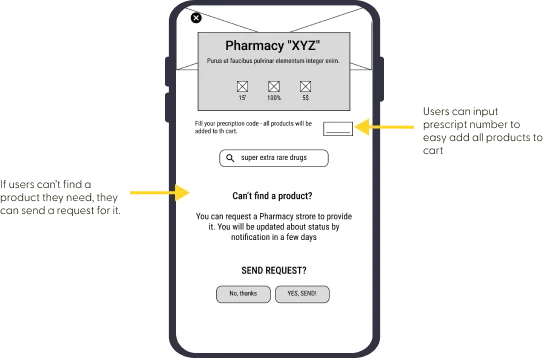
Ordering medicines

As drone delivery might help people with health problem I added some useful options for them.

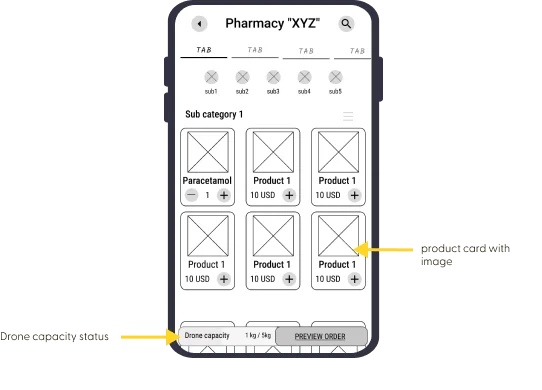
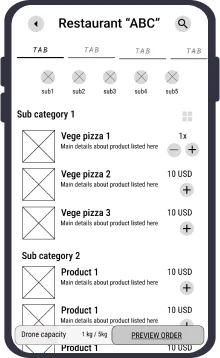
Drone’s capacity

Drones have limited capacity, so the app must show the user how much space is left.

Supporting the user

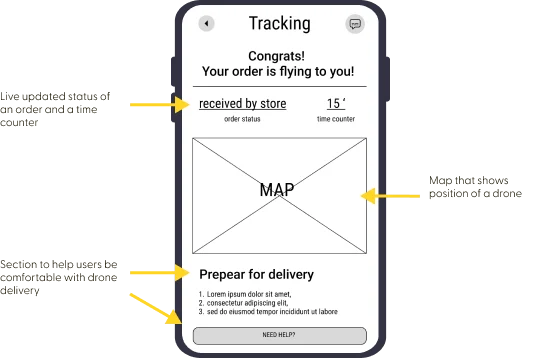
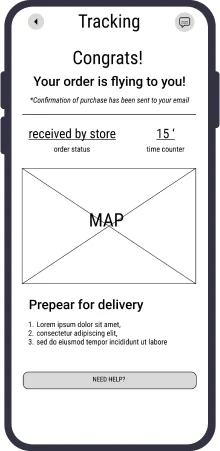
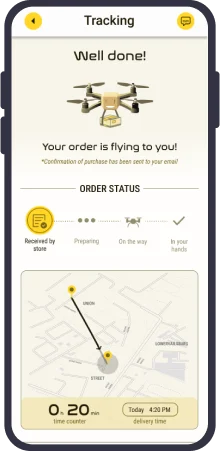
Drone deliver is something new so I made sure to provide live-tracking screen with most important informations.

Usability study of the prototype

I conducted moderated usability study with 5 participants. They were asked to perform tasks in the low fidelity prototype.

interactive prototype
Insighths & Recommedations

A focus on friendliness and simplicity

The UI design system reflects the user’s desire to have user friendly and clutter free app.

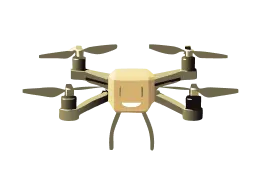
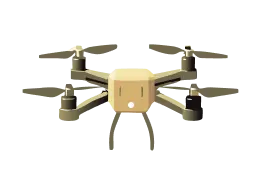
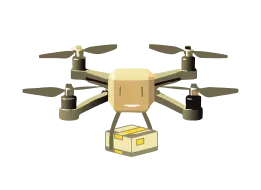
-This small, friendly looking drone guides the user through the app.
Drone Happy
Drone Shocked
Drone with package
– Typography & Color
medium 32pxx
Header L
medium 24px
Header M
medium condensed 18px
Header S
regular condensed 16px
Body L
regular Condensed 14px
Body M
regular condensed 12px
Body S
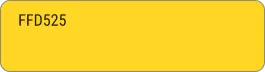
Primary
The primary color is used across all the interactive elements such as CTAs, link, and actives states
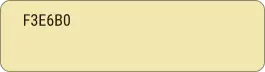
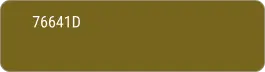
Secondary
The secondary color palette is used alongside primary color to indicate to the user it’s the secondary focus
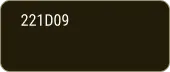
Neutral

The neutral palette is used for text, backgrounds, image overlays and strokes

High fidelity solution

Based on insights from usability study of lo-fi prototype I created high fidelity prototype which also have been tested.
interactive prototype
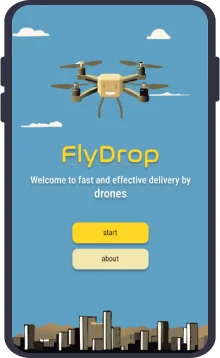
1. Onboarding

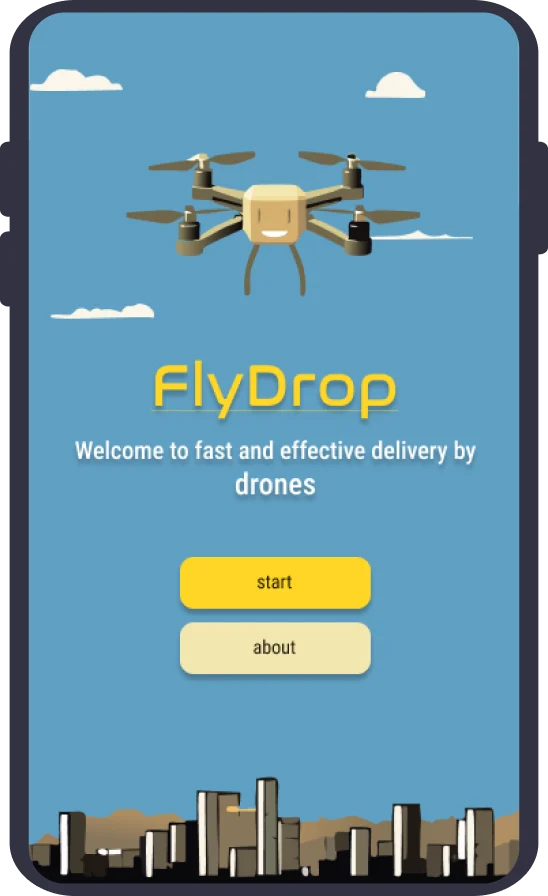
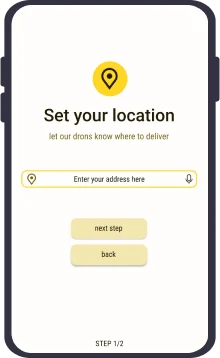
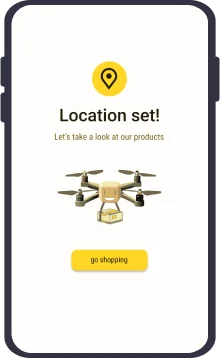
The welcome screen allows the user to start by setting a location or reading about drone delivery. The user’s location is crucial for the proper functioning of the application.

2. Navigation through the app
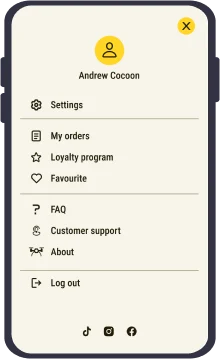
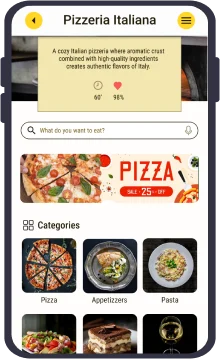
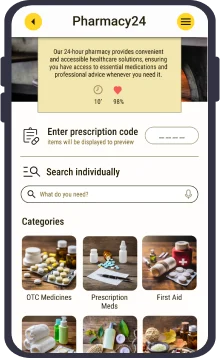
For easy and intiutive navigating I’ve designed simple home screen. User can look for products by categories or search bar, voice search is also possible. For better cooperation with screen readers, all settings are in one place.

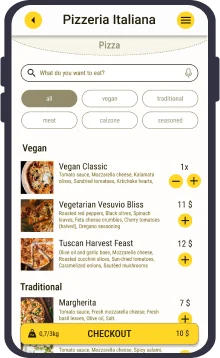
3. List of products
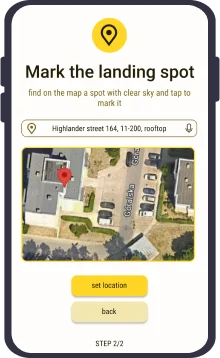
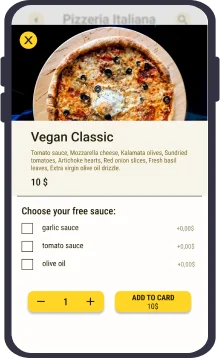
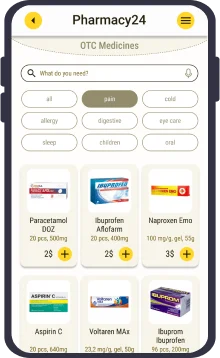
In a usability study, it was observed that 4 out of 5 participants were confused when nothing happened when they clicked on a product. Once the design is updated, the user can open more details by clicking on the product and quickly add to cart using the plus button.

4. Functionalities when purchasing medical products.
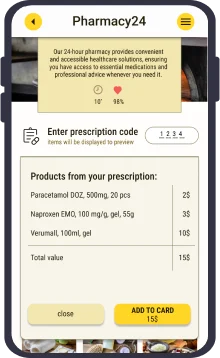
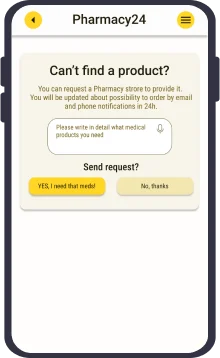
Users can quickly fill basket using the prescription code and request for missing products by quick form. This helps people with health problems cope well on their own.
5. Order tracking

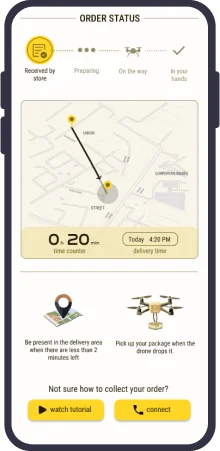
The layout is simple and clear. It shows the current order status, tracks the drone’s flight, provides detailed delivery times and order pickup instructions. In any case, the user can contact technical support or simply watch an instructional video.